
Save the people and aircraft you actually fly with
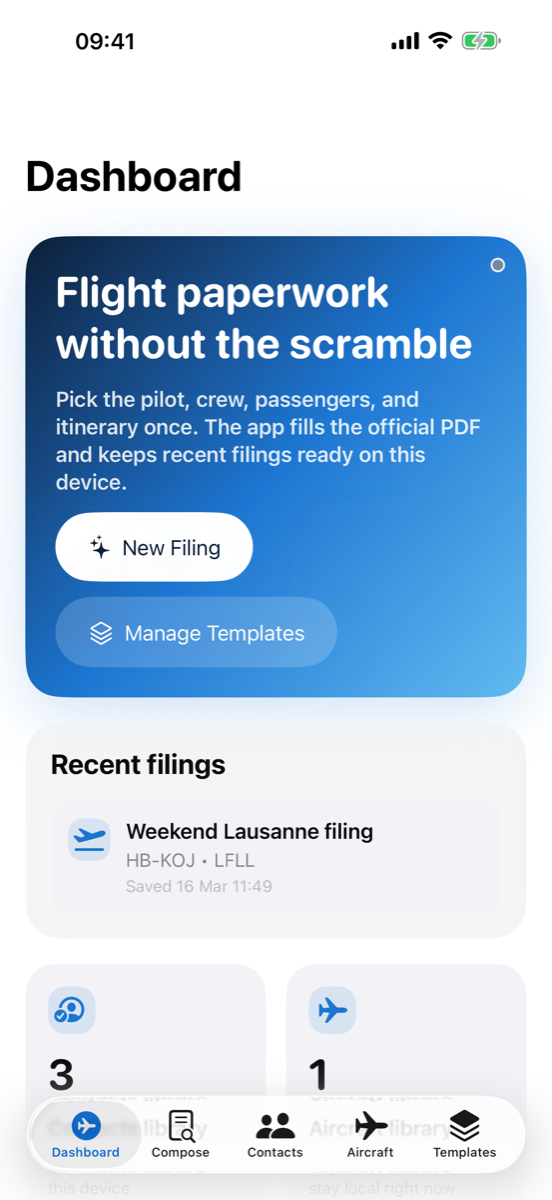
Pilot, crew, passenger, and aircraft details are stored once and reused across new filings. Recent activity makes repeat trips even faster.
 Pilot Form
Customs, PPR & PDF filing
Pilot Form
Customs, PPR & PDF filing
Built for general aviation pilots
Pilot Form turns recurring customs, immigration, police, and PPR filings into a repeatable flow. Save your people, save your aircraft, pick the airport, and export the exact format the filing requires.
Why it feels fast
The app keeps the official document format intact while removing the repetitive parts that slow pilots down before departure or arrival.
Pilot, crew, passenger, and aircraft details are stored once and reused across new filings. Recent activity makes repeat trips even faster.
When an airport publishes an official form, Pilot Form fills the PDF directly instead of translating it into a fragile HTML replica.
For email-only workflows, the app prepares the recipients, subject line, body, and optional PDF attachment so Mail opens almost ready to send.
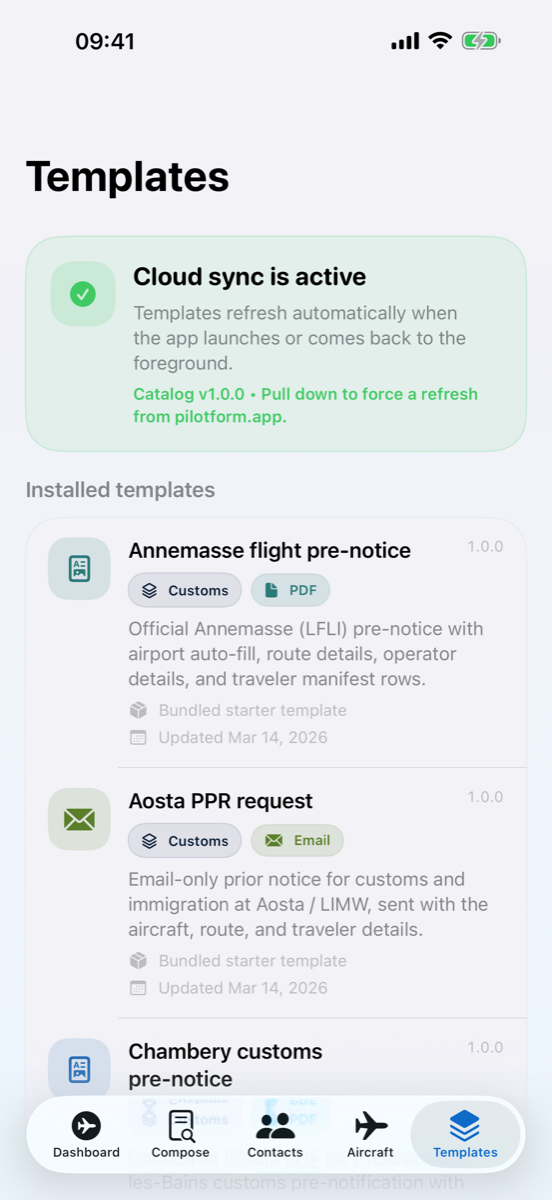
Bundled templates can be supplemented by a managed catalog so new airports and updates can ship without rebuilding your whole filing workflow.
Workflow
Pilot Form is built around the idea that most of the friction is repeated data entry, not the final export itself.
Choose the customs, police, immigration, or PPR template that matches the airport and the workflow required there.
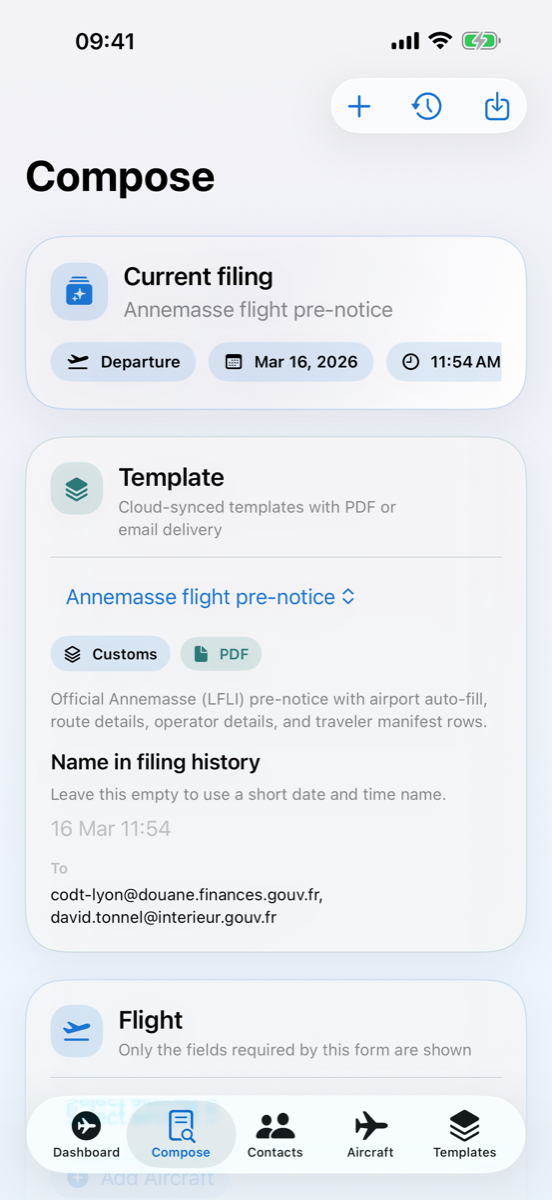
Select the pilot, crew, passengers, aircraft, and itinerary. The compose screen only asks for the fields that matter to that template.
Share the populated PDF or launch a prefilled email draft with recipients and message content already prepared.
Inside the app
The product keeps the important actions close by: recent filings on the dashboard, the current filing in compose, and cloud template status when you need it.
Contact
Send product feedback, suggest improvements, or ask for a missing airport or customs form.